
Dough sheet processing unit
Double-Sided Dough Sheet Flour Dusting Unit
Apply dusting flour to both surfaces of a dough sheet within a conveyor-based unit. Explore the complete arrangement, hopper brush roller, belt transfers and control details.
AI-retouched equipment photographs. Unretouched views are available for comparison; these photos show the equipment without dough running.
What it does
Dusting on both sides of the sheet
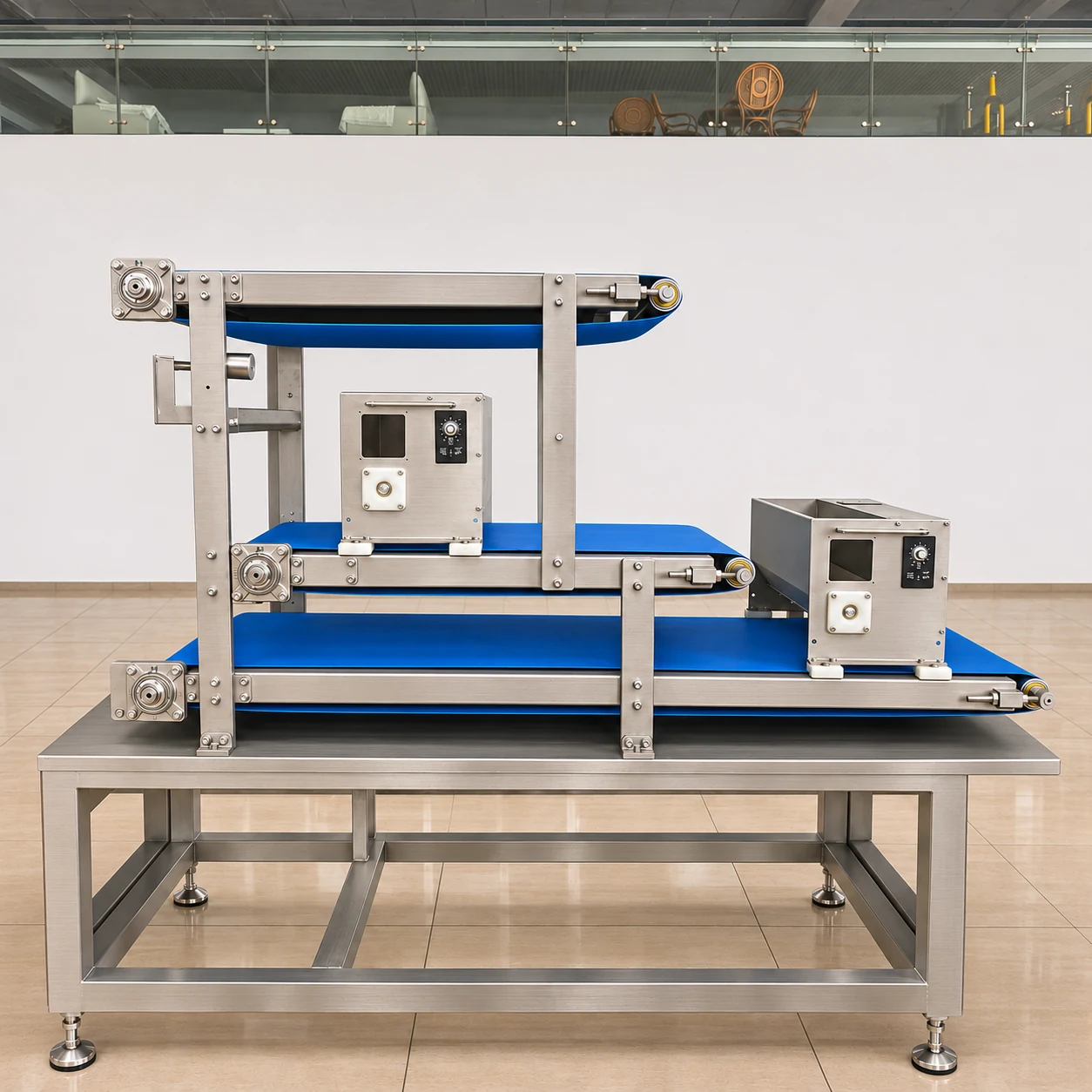
This unit is intended for double-sided flour application to a continuous dough sheet. The arrangement shown includes two dusting boxes and conveyor sections at different levels. The overall photo shows how these components are grouped on the supporting frame.
Double-sided refers to flour application on the upper and lower surfaces of the dough sheet. Review the complete arrangement together with the close-up photos to identify the dusting boxes and their conveyor connections.
How to select the arrangement
Match the unit to the sheet transfer
Confirm the incoming sheet width, transfer heights and available line space before selecting the unit. The upstream and downstream conveyors must suit the chosen arrangement. The photos identify the equipment; final sheet routing and interfaces should follow the agreed layout.
The required dusting amount depends on the dough and the next operation. During a trial, examine both surfaces for coverage, remaining bare areas and loose flour at transfer points. Check the result at the intended line speed rather than judging only an empty-belt run.
Five close-up views
Identify the components
Tap any square image to enlarge it. The separate original-photo link is useful for checking small markings and details that may change during AI retouching.
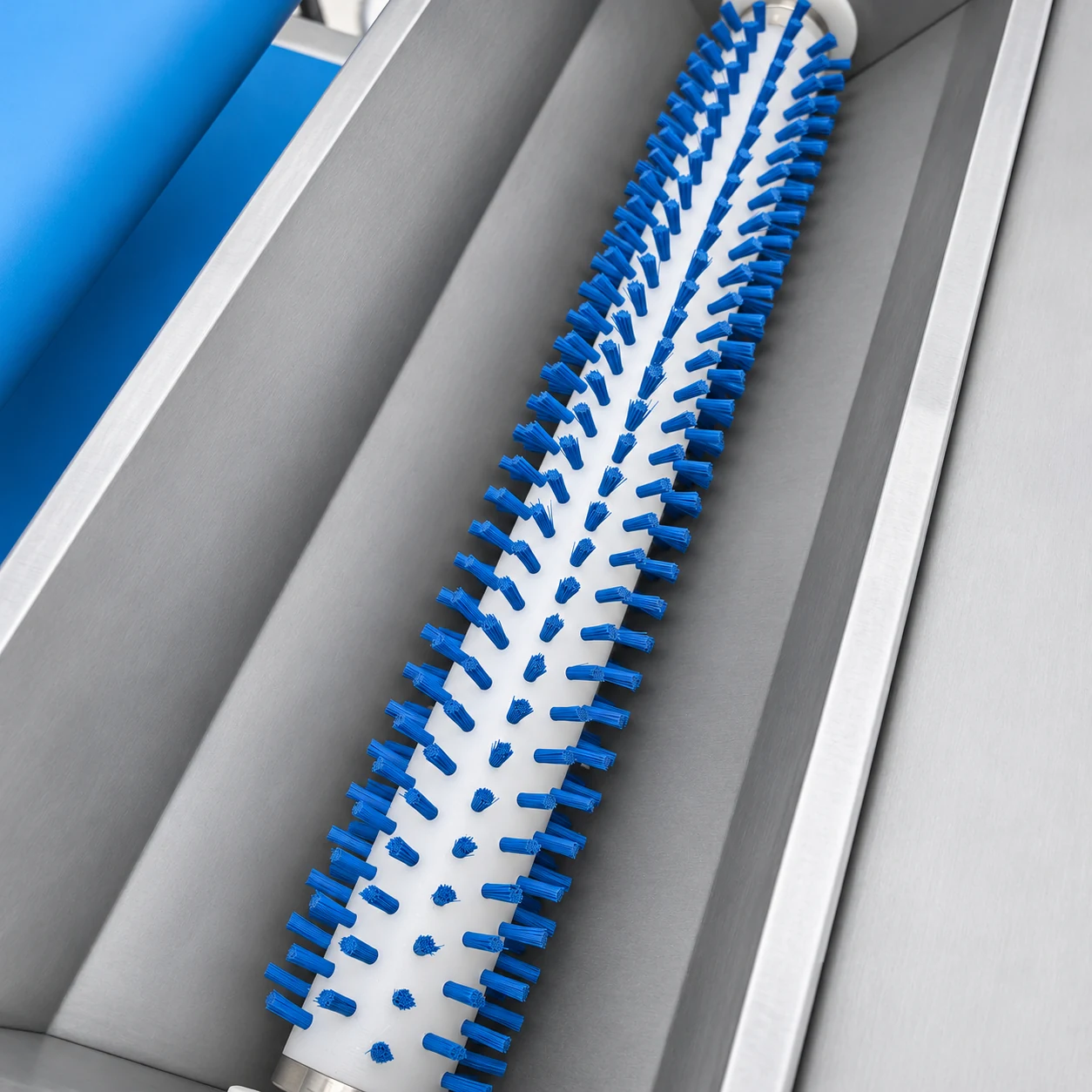
This close view identifies the blue bristles inside the hopper. Inspect the unretouched view for the original brush condition.
View unretouched photo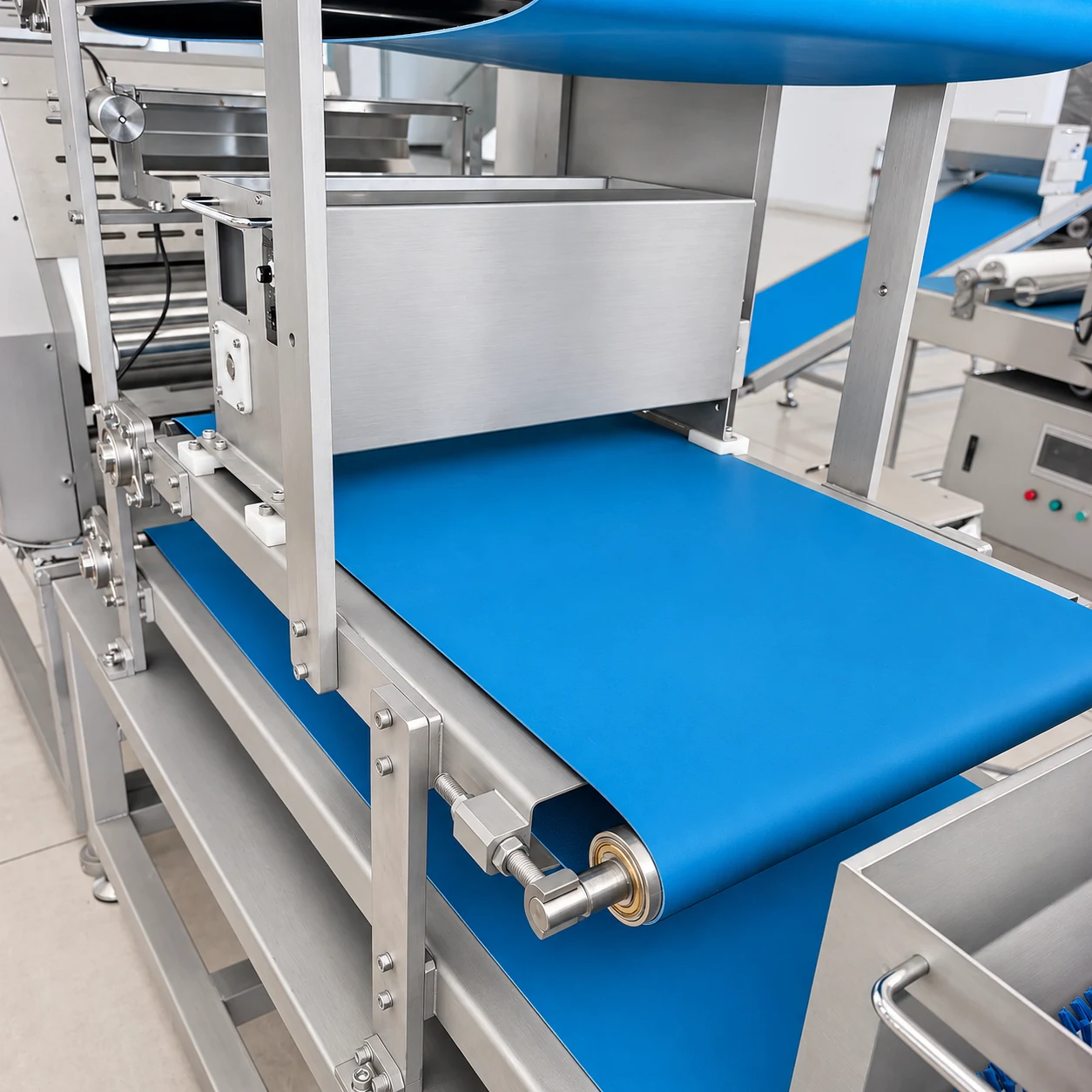
The blue belt, end roller and belt-tensioning hardware can be seen together.
View unretouched photo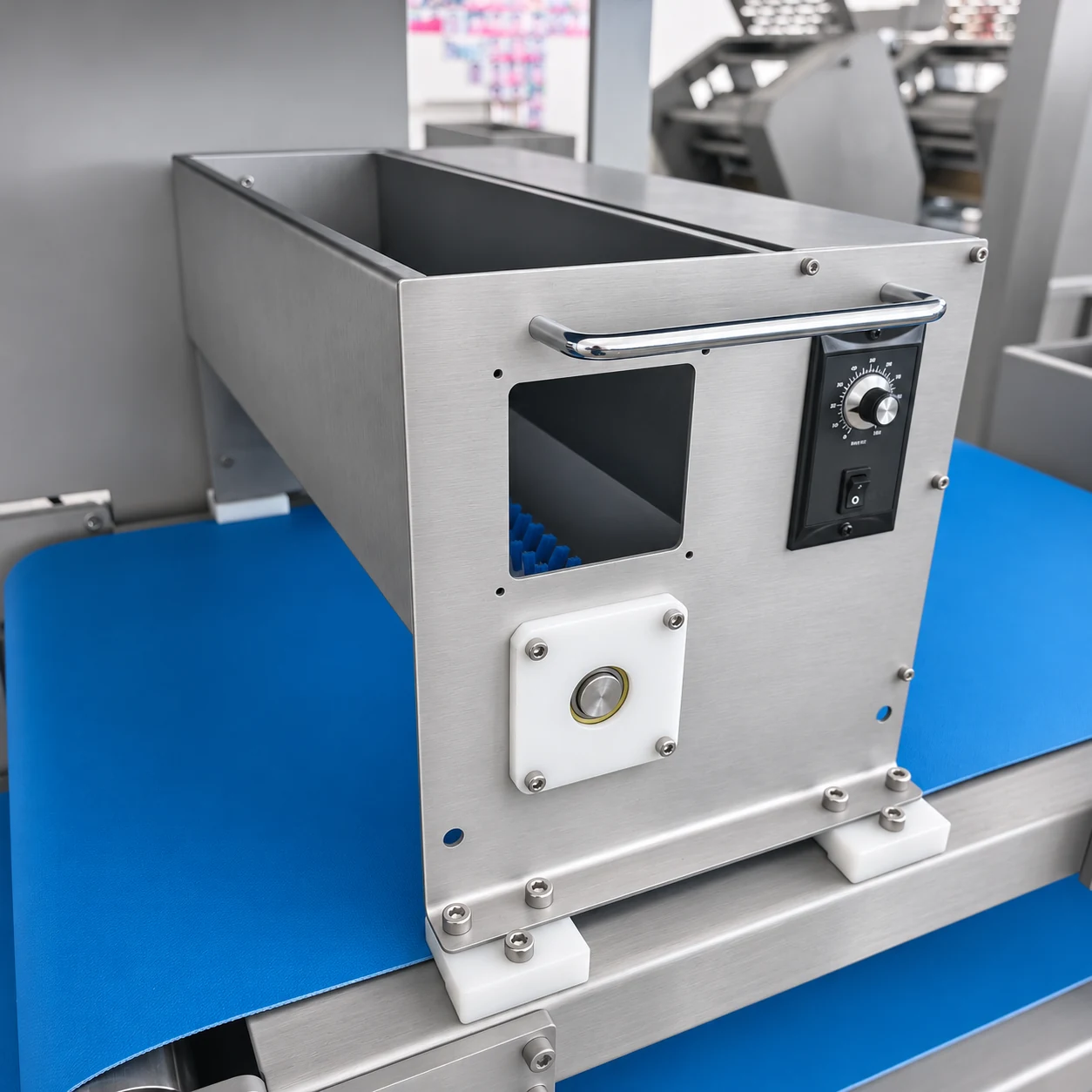
The front view shows the hopper opening, inspection opening and local control hardware. Use the original photo for fine markings.
View unretouched photo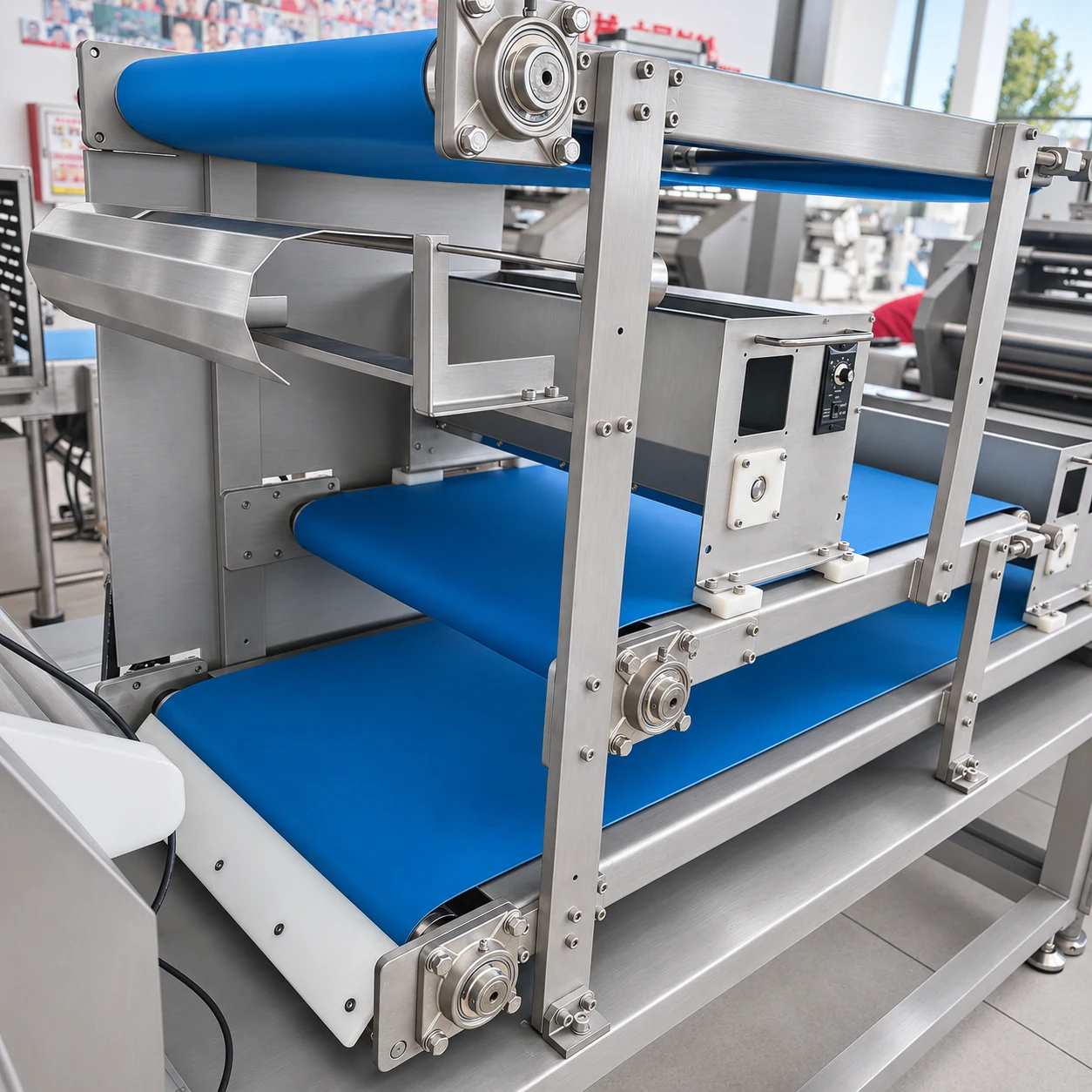
This side view helps locate the belt runs, dusting box and supporting frame.
View unretouched photo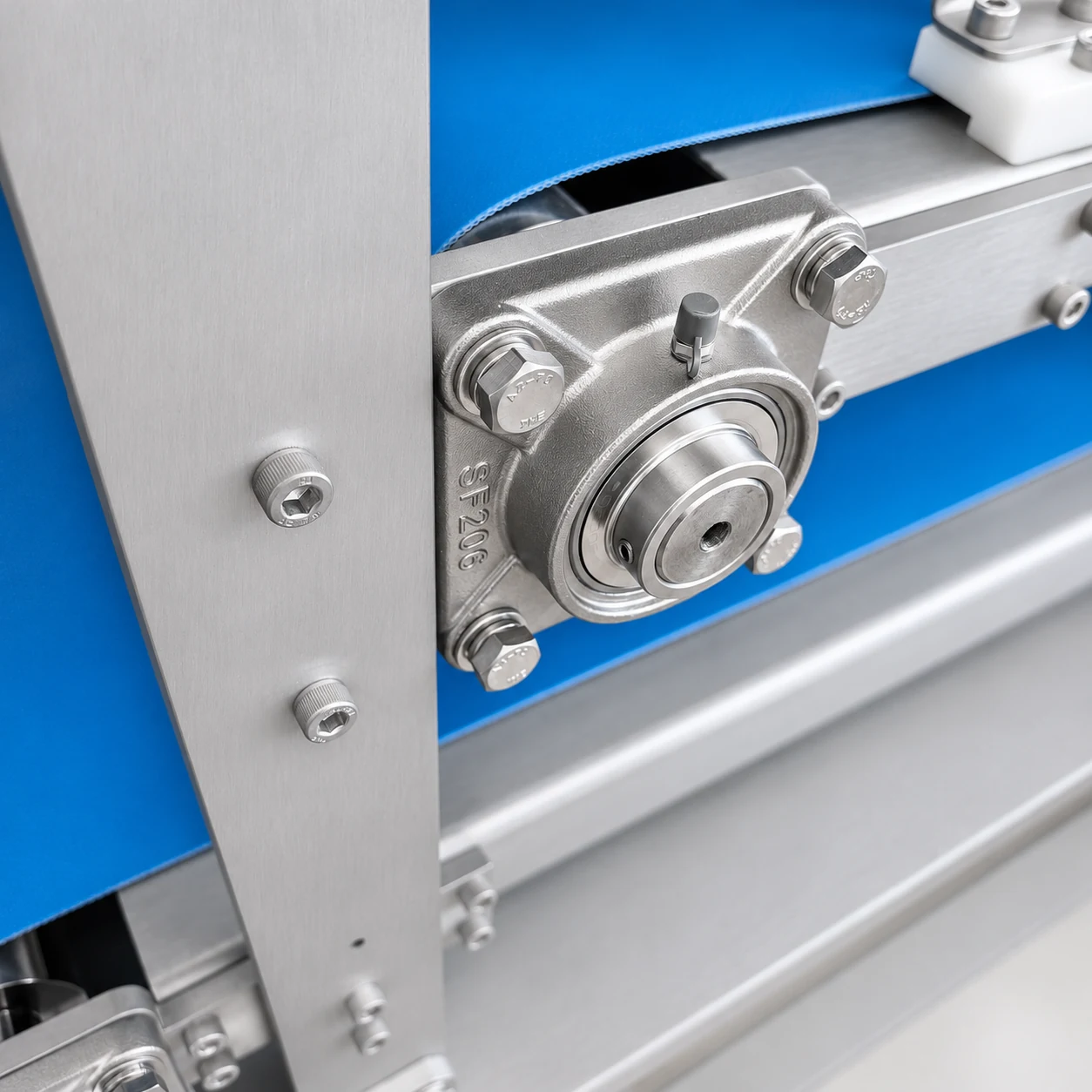
A close view of the bearing housing, fasteners and supporting upright; replacement parts should be identified from the actual machine.
View unretouched photoWhat to check during a trial
- Observe coverage on each sheet surface separately.
- Check belt transfers for sticking, folding or uneven sheet movement.
- Compare coverage across the working width and after a line-speed change.
- Check flour buildup around the hoppers and transfer areas.
- Review access to the hopper, brush and belts for the planned cleaning routine.
Stop and isolate the equipment before inspection, cleaning or adjustment inside moving areas. Use the instructions supplied for the actual machine.
Confirm the final specification
Working width, conveyor speed, power, dimensions and flour delivery settings are configuration details to confirm with HELPER.
For a different arrangement, see the 270 dough sheet conveyor and flour duster or the lifting conveyor with flour duster. These are separate listed units.
Build the right unit sequence
Combine the selected dusting arrangement with the required dough-sheeting, rolling and transfer stages.